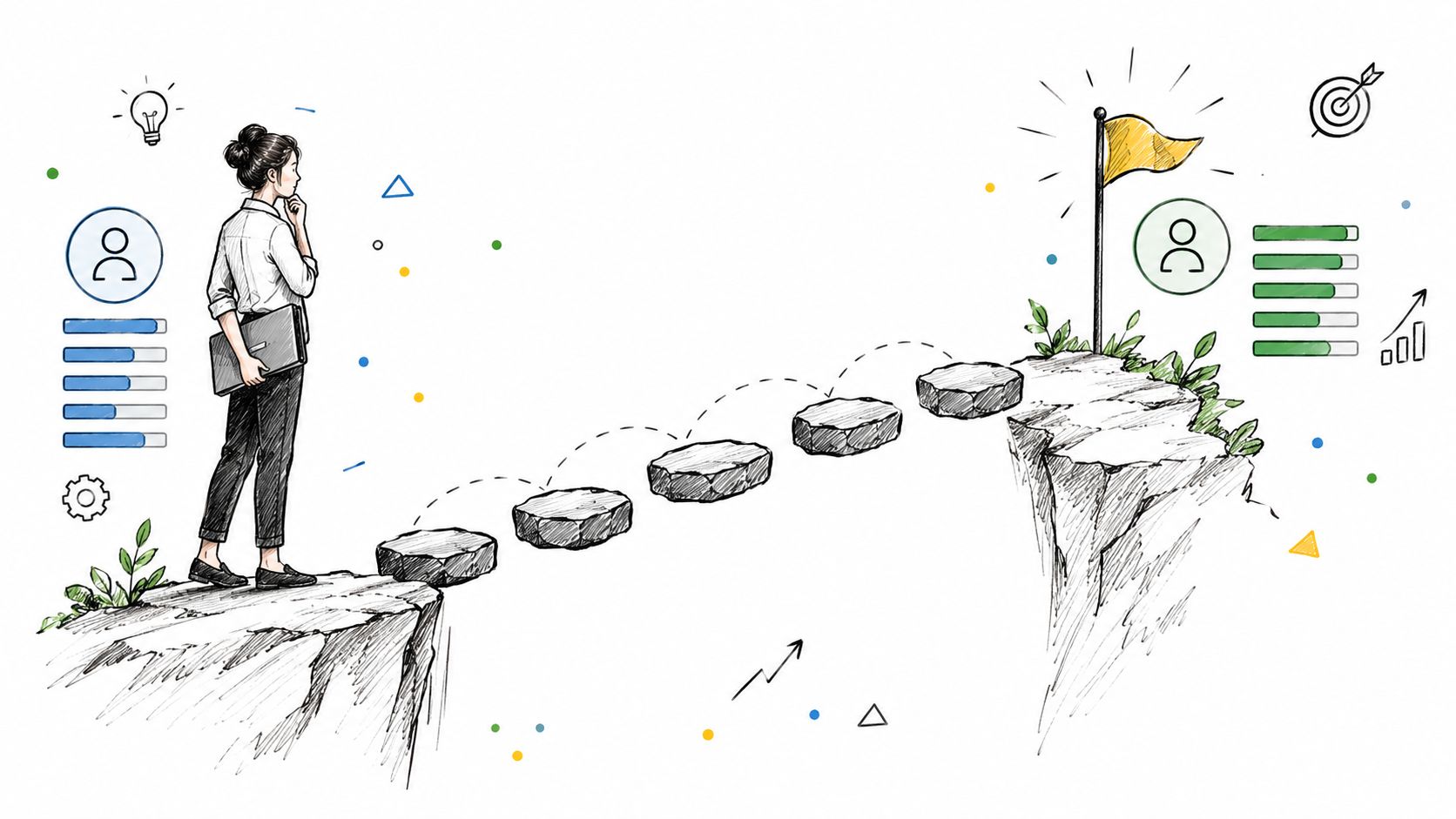
The strongest development plan isn't a static form. It's a shared, measurable record that connects a target capability or role with owned actions, support, deadlines and review dates. These eight development planning examples offer adaptable models for different situations, not mutually exclusive methods.
An employee has completed a course, but back at work they still avoid the task the training was meant to prepare them for. A development plan can close that gap by linking learning to a practical assignment, manager support and evidence of progress, rather than treating course completion as the outcome.
The examples below are composite and illustrative, not claims about named organisations. They range from an individual development plan to a 90-day leadership plan, with a short comparison to help you choose. HRManagement365 is a UK and EU HR solution powered by Hubdrive and Microsoft, built on Dynamics 365, Power Platform and Dataverse. Its employee records and review processes can provide a place to manage development information, while workflows, integrations, reporting and applications can be configured or developed by HRManagement365 to suit an organisation's needs. Specific capability depends on the solution configuration and any extensions implemented.
Table of Contents
- Eight development planning examples
- 1. Individual development plan
- 2. 70:20:10 development planning model
- 3. Competency-based development plan
- 4. Career pathway development plan
- 5. Talent matrix development plan
- 6. Mentoring and sponsorship development plan
- 7. Apprenticeship and funded qualification development plan
- 8. Leadership development plan for new managers
- 8 Development Planning Examples Compared Side by Side
- Build plans that produce visible progress
- Speak to an HRManagement365 specialist
Eight development planning examples
1. Individual development plan
An individual development plan (IDP) gives an employee and their manager a shared record of the capability to build, the actions they'll take and how they'll review progress. It works well as a starting point for organisations that want appraisal conversations to lead to practical follow-through.
Consider a customer service adviser who wants to move into a team leader role. Their plan could include completing a coaching module, shadowing a team leader, then leading a regular team huddle and discussing feedback with their manager. An HR administrator aiming towards an HR business partner role might combine a relevant qualification with observing employee relations work and presenting an absence analysis to an HR director.
Keep the plan focused. A long list of ambitions can look ambitious but makes ownership and progress harder to see. Agree success measures before the actions begin, name who's responsible for each action, and book review dates before signing off the plan.
Practical rule: Record evidence of application, not just attendance. A completed course matters more when the employee can show how they used the learning at work.
A shared employee record can help managers and HR follow progress without chasing separate documents. HRManagement365's performance-review functionality can connect objectives, competencies and development actions within employee records; configuration will determine how those fields and follow-ups work in practice. For a broader discussion of the learning side, see training and development in HR. A practical development plan template can also help teams agree the basics before deciding how to manage them in their HR system.
2. 70:20:10 development planning model
The 70:20:10 model is useful when employees rely too heavily on formal courses. It encourages a plan to combine workplace experience, learning from other people and structured training. Treat the proportions as a design prompt, not a scientific rule or a reason to remove formal learning.
A finance business partner learning month-end reporting in Business Central could own a reporting improvement project, receive regular feedback from a senior accountant and complete a relevant course. A recruiter developing towards a talent acquisition lead role could run a graduate recruitment campaign, observe assessment activity and attend a selection-skills workshop.
The model fails when the “experience” is extra work without time, authority or a clear learning purpose. Define the assignment, its business outcome and the support available. Schedule feedback rather than assuming it will happen, and record completed work alongside course activity.
For Microsoft-centric organisations, a development plan might connect a Business Central task to a capability objective, with a manager check-in and evidence recorded in the employee's development record. Microsoft tools such as Teams or Outlook can support coordination, but the plan's fields, reminders and approval steps depend on configuration and any HRManagement365 extensions. Learning platforms and internal systems may also need integration if the organisation wants a connected view of learning and development.
A practical illustration of how people learn through different routes can be seen in this professional growth image.
3. Competency-based development plan
A competency-based plan starts with the requirements of a role, then identifies the difference between those requirements and an employee's current evidence of proficiency. It can support consistent development conversations across teams, but only if managers understand the competency definitions in the same way.
For an HR officer progressing towards a more advanced professional level, a plan could address employment law knowledge and analytical skills through relevant learning, a payroll reconciliation project and review with an experienced HR colleague. A Business Central support analyst might use an internal framework covering process knowledge, configuration and stakeholder communication to plan progression towards a senior analyst role.
Keep the framework manageable. Define observable behaviours for each proficiency level, and use calibration discussions before finalising assessments. Otherwise, a vague label such as “strong communicator” can mean different things to different managers. Frameworks should also be reviewed as jobs and systems change.
For HR technology teams, competencies can connect to actual work: documenting a process, configuring a workflow, analysing a report or explaining a system change to stakeholders. An HR system can hold the selected competency, supporting evidence, agreed actions and review notes. HRManagement365 can configure those records and reporting around an organisation's framework, but the framework itself requires careful design and human judgement.
Use the career-growth illustration as a visual reminder that proficiency is built through evidence and practice, not ratings alone.
4. Career pathway development plan
A career pathway plan makes possible moves visible by connecting roles with the skills and experience they require. It can support internal mobility and workforce planning, but a pathway should describe an opportunity, not promise a promotion or fixed timetable.
A Power Platform citizen developer interested in solution architecture might build relevant knowledge through Microsoft Learn, then lead a small integration project with appropriate support. An HR administrator could explore routes into HR operations or HR systems, building capability in reporting, process design and stakeholder management.
Show more than one credible route from a role. Vertical progression may suit some employees, while lateral moves, project work or deeper specialisation may fit others. Use timeframes as planning expectations, not guarantees, and review pathways alongside workforce needs so they don't become outdated career diagrams.
In a Microsoft-focused organisation, pathways can refer employees to relevant Microsoft Learn material, with current learning options checked before a plan is agreed. HRManagement365 can help represent role families, required capabilities and employee development actions in configured records. If a route includes an application process or an approval workflow, that process should be defined separately from the development objective itself.
Career conversations can also reveal when a role isn't the right fit, which is useful information rather than a failed plan. Explore the career-path illustration alongside a Certificate III aviation programme example to see how structured pathways can differ by occupation.
5. Talent matrix development plan
A nine-box grid compares current performance with future potential to inform talent conversations and succession planning. It can help prompt different development actions, but it's a judgement aid, not an objective verdict on an employee's value or future.
A strong specialist who isn't seeking management could receive a plan to deepen technical expertise and mentor colleagues. An operations manager assessed as ready for broader responsibility might take on a stretch assignment, receive leadership support and have progress reviewed through a talent discussion.
Start by defining performance and potential, and use more than one perspective when calibrating assessments. Tell employees about development conclusions in a constructive way, with specific evidence and actions. Avoid turning a grid position into a label that follows an employee without context or review.
Talent assessments involve personal information. UK organisations need to consider UK GDPR transparency, purpose and access controls, and EU organisations need to assess applicable GDPR and national employment requirements. The right approach depends on the context, so HR and privacy specialists should review the process. Keep development support separate from automated employment decisions.
A talent review record in an HR platform should show who contributed, what evidence was considered, what actions were agreed and when the decision will be revisited. Any grid, workflow or report that HRManagement365 supplies or configures should support this governed process, not replace it.
6. Mentoring and sponsorship development plan
Mentoring provides guidance and reflection; sponsorship involves someone using their influence to help an employee access opportunities. A development plan can combine the two, but should make the purpose of each relationship clear.
A graduate recruit could meet a senior HR business partner regularly to discuss work and career questions, while a sponsor invites them to contribute to a workforce planning presentation. A team leader from an under-represented group might receive sponsorship for consideration for a leadership programme, with agreed progress discussions.
Mentoring alone can be valuable, but it doesn't automatically create access to visible assignments or progression discussions. Sponsorship can help bridge that gap, yet informal networks may distribute it unevenly. Set transparent criteria, make opportunities visible and review whether employees can access support fairly.
Use a written purpose for each relationship, agree how participants will handle confidential discussions, and check whether the match is working. Teams or Outlook can help schedule meetings, while an HR record can capture participation and agreed development actions without turning private mentoring notes into routine performance data.
For practical ideas on ways employees can grow through coaching, shadowing or project work, see opportunities for development. A configured HRManagement365 process can track participation and follow-up, with access permissions designed around the organisation's needs.
7. Apprenticeship and funded qualification development plan
An apprenticeship-linked plan should connect the employee's workplace development with the approved standard, provider, funding route and evidence requirements. Funding rules differ across the UK, so don't use an England-specific example as if it applied across every UK nation or EU member state.
In England, the relevant apprenticeship standard and funding rules depend on the apprentice's workplace and start date. GOV.UK says each funded apprenticeship must follow an approved, eligible standard within a funding band of £1,500 to £27,000. The plan can record the standard, provider, start date, milestones and responsibility for evidence, creating a clearer audit trail than a general objective such as “complete apprenticeship training” (official apprenticeship funding guidance).
For a non-levy-paying English employer, the funding treatment can depend on the apprentice's age and the applicable rules. The guidance states that training and assessment costs for apprentices aged 16 to 24 can be funded by government up to the relevant funding-band maximum. For apprentices aged 25 or over, the usual employer contribution is 5%, with government paying 95%, subject to the funding rules and funding-band maximum (apprenticeship funding guidance for employers).
Check the start date and funding position before approval. For relevant new English apprenticeship starts from 1 August 2026, GOV.UK states that a levy-paying employer with insufficient account funds has a 25% co-investment rate, with government support covering 75% of eligible costs, subject to the funding band (2026 to 2027 funding-rule changes.
An HR system can capture programme details, funding approvals and milestones, but HR and finance should confirm the rules that apply before commitments are made. For other UK nations and EU locations, check the relevant national arrangements.
8. Leadership development plan for new managers
A 90-day plan gives a new manager structured support while they learn the people responsibilities that come with the role. It should set practical milestones for learning policies, communicating with the team and handling performance conversations, rather than assuming technical expertise automatically transfers to leadership.
A newly promoted distribution team leader could learn the organisation's leave and absence processes, practise an approval workflow and prepare for a performance conversation with support from their manager. A new HR manager in a multi-site organisation might review workforce information with an HR director, agree an action and present progress at a planned review.
Make each milestone observable. “Understand performance management” is difficult to assess; preparing for a conversation, discussing the approach with a manager and reflecting afterwards gives both parties something concrete to review. Give the new manager time to practise, and gather team feedback before deciding what further development is needed.
Manager self-service can reduce avoidable administration when configured appropriately, while Power BI may help managers interpret HR data when the relevant data and reporting have been implemented. HRManagement365 can configure review records, reminders and workflows, and develop Power Apps or Power Automate solutions for customer-specific processes. Those extensions should be distinguished from standard Microsoft or Hubdrive functionality.
For advice on building management capability, see management training and development. The business-process illustration shows how milestones can support a staged plan.
8 Development Planning Examples Compared Side by Side
| Development Approach | 🔄 Complexity & Resources | ⚡ Process | 📊 Expected Outcomes | ⭐ Ideal Use Cases & Key Advantages |
|---|---|---|---|---|
| Individual Development Plan (IDP) | Low cost; depends on manager time and follow-up | Assess skills, set goals, assign actions and review dates | Trackable progress toward specific capabilities or roles | A flexible foundation for employee-owned development and succession planning |
| 70:20:10 Development Planning Model | Low to moderate; relies mainly on workplace opportunities and coaching | Balance work experience (70%), relationships (20%) and formal learning (10%) | More applied learning and transfer of skills to daily work | Broad development plans; encourages practical learning beyond courses |
| Competency-Based Development Plan | Moderate to high; requires a relevant framework and rating calibration | Compare current and target proficiency, then address skill gaps | Clearer, more consistent expectations and development priorities | Role-based progression; supports comparable assessments and fairer decisions |
| Career Pathway Development Plan | Moderate to high; requires maintained role and skills data | Map career routes, milestones and learning needs, including lateral moves | Greater visibility of progression routes and internal talent gaps | Workforce planning and internal mobility; can support retention and reduce external hiring |
| Talent Matrix (Nine-Box Grid) Development Plan | High; requires calibration, careful data handling and clear criteria | Rate performance and potential, then tailor development actions | Structured talent and succession insights | Talent reviews and succession planning; supports targeted development investment |
| Mentoring and Sponsorship Development Plan | Low to moderate; requires suitable matches and scheduled time | Set objectives, hold regular sessions and create visibility opportunities | Builds capability, networks and access to career opportunities | Career growth and inclusion; relatively low-cost when access is managed fairly |
| Apprenticeship and Funded Qualification Development Plan | High; requires provider coordination, records and funding checks | Combine paid work, structured training, progress reviews and assessment | Recognised qualifications and skills developed internally | Structured vocational learning; eligible funding may offset training costs |
| Leadership Development Plan for New Managers (90-Day Plan) | Moderate; requires milestones and coaching from HR or senior managers | Set observable 30-, 60- and 90-day goals and review progress | Faster understanding of people-management responsibilities and policies | New-manager transitions; provides consistent early support and identifies development needs |
Build plans that produce visible progress
A useful plan turns development from an intention into a sequence of actions that an employee, manager and HR team can review. That doesn't mean every plan needs a complex framework. Choose the lightest approach that makes the development need, support and evidence clear.
A practical selection guide is:
- Define the target capability or role: Be specific about what the employee wants or needs to be able to do.
- Choose a few priorities: Focus the plan so actions and progress stay visible.
- Assign owners and dates: Name the employee, manager, mentor or provider responsible for each action, then agree deadlines.
- Create opportunities to practise: Pair learning with relevant work, coaching, shadowing or project experience.
- Schedule reviews: Agree review dates before the plan begins and make time for them.
- Measure application: Record evidence of capability in use, not just course attendance.
Each model has different data and risks. An IDP needs a target, actions, owners and reviews; 70:20:10 needs practical assignments and feedback; competency-based planning needs clear proficiency definitions; pathways need current role and skills information. A nine-box process needs carefully governed assessment records, mentoring and sponsorship need fair access and clear boundaries, apprenticeship plans need the applicable national funding and programme details, and leadership plans need observable milestones and manager support.
Competency frameworks can reproduce bias when criteria are vague or managers interpret them differently. Nine-box assessments need transparent handling of personal data. Mentoring and sponsorship should not depend solely on informal networks, and apprenticeship funding requirements must be checked for the relevant nation and start date. Development records should support human decisions, not drive automated employment outcomes. UK and EU organisations also need to consider the data-protection and employment requirements applicable to their location and process.
HR technology should support a useful conversation, not replace the judgement of an employee and manager. No platform can guarantee compliance, promotion or a career outcome. A configured system can, however, make agreed actions easier to find, remind people about reviews and help HR understand where plans are progressing or getting stuck.
HRManagement365 is a flexible UK and EU HR solution powered by Hubdrive and Microsoft. It's based on Dynamics 365, Power Platform and Dataverse, with HRManagement365 expertise extending the platform through integrations, customisations, workflows, Power Apps, Power Automate, Power BI and custom HR applications across the employee lifecycle. Standard Microsoft and Hubdrive capabilities should be distinguished from functionality configured or developed for a particular organisation.
Speak to an HRManagement365 specialist
Discover how HRManagement365, powered by Hubdrive and Microsoft, can help improve, connect and automate your HR processes across the UK and EU.
Phone +44 1522 508096 today
Send us a message:
Contact HRManagement365
HRManagement365 can help your team configure development records, workflows and reporting around the way employees build skills and apply them at work. To discuss a UK or EU implementation based on Dynamics 365, Dataverse and Power Platform, visit HR Management 365.